Temnodontosaurus

Megalodon

Mobil James Bond bakal Disulap Jadi Mobil Selam Sungguhan

XL Bidik 40 Persen Pelanggan Gunakan E-Channel

Idm 6.17 Full Version Download With Patch 100% working.

Showing posts with label Robot. Show all posts

Friday, November 22, 2013

Tutorial for Lego Mindstrom Dragster

 Edwardchristhoper.blogspot.com- Inilah tutorial cara membuat mobil dragster, ini sangat cool loh
1

2


3


4


5
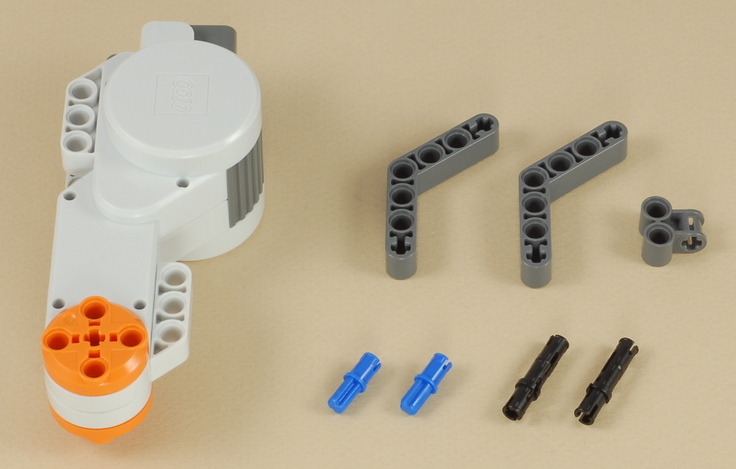


6
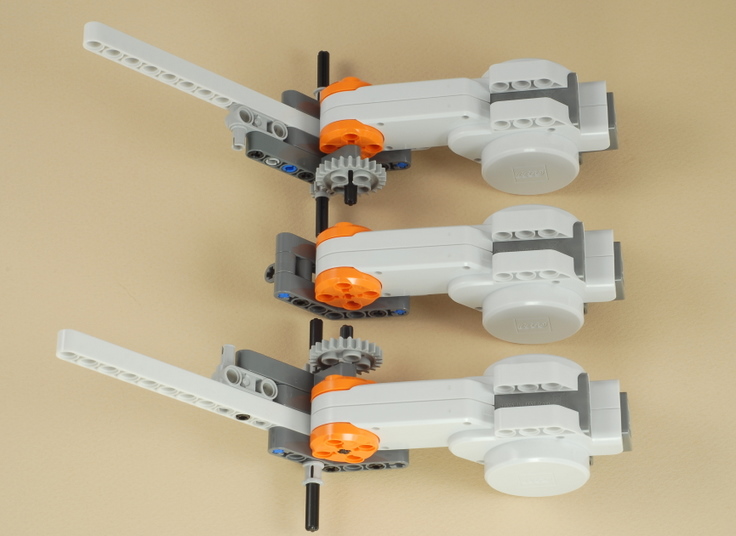
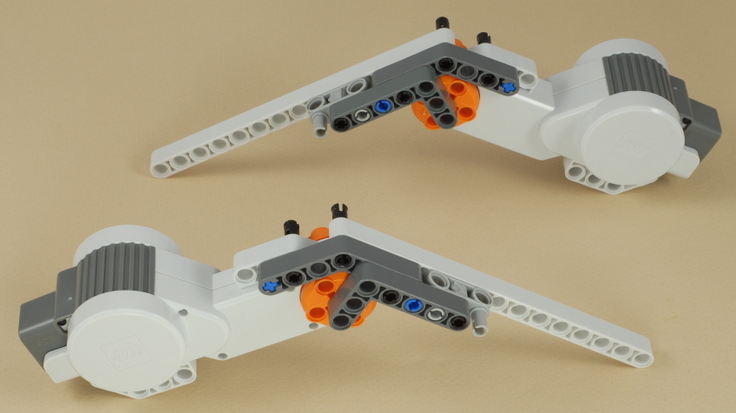
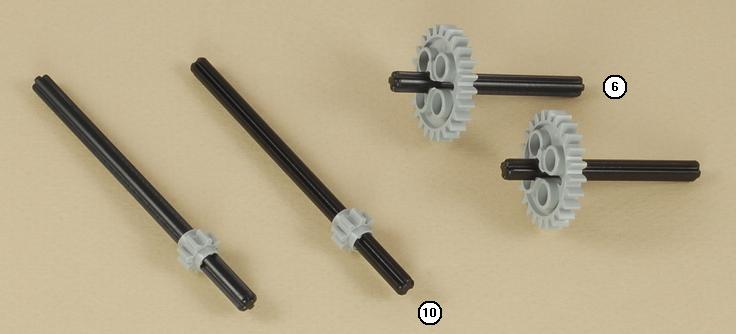
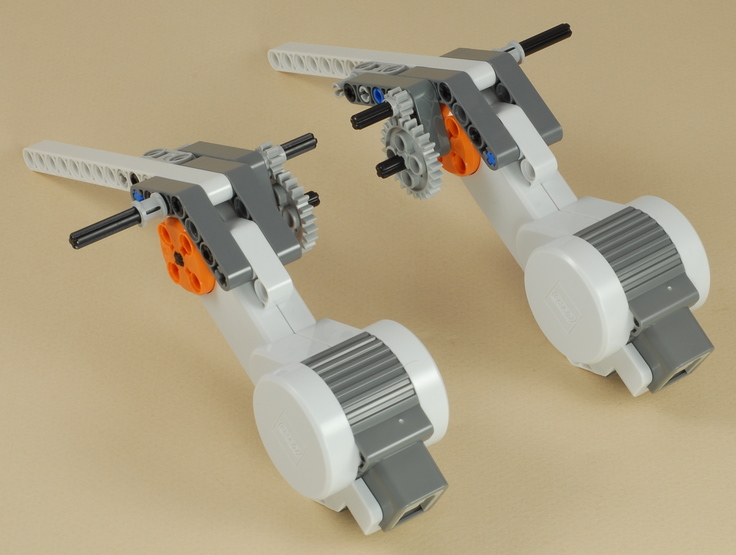
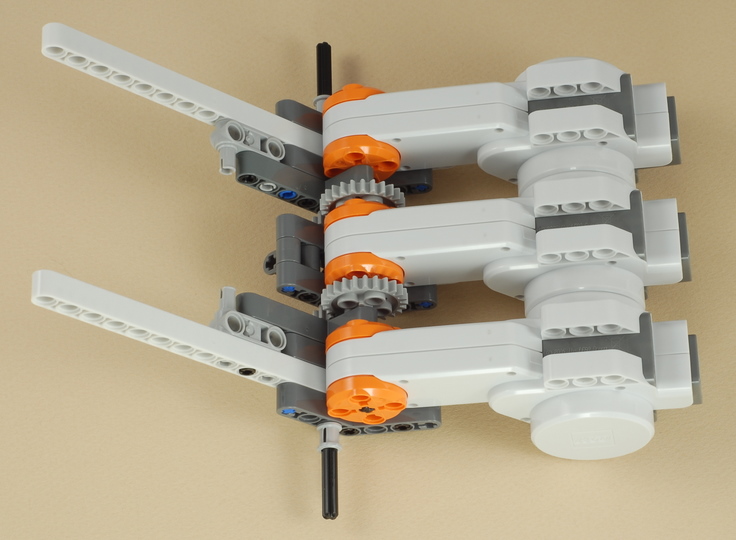
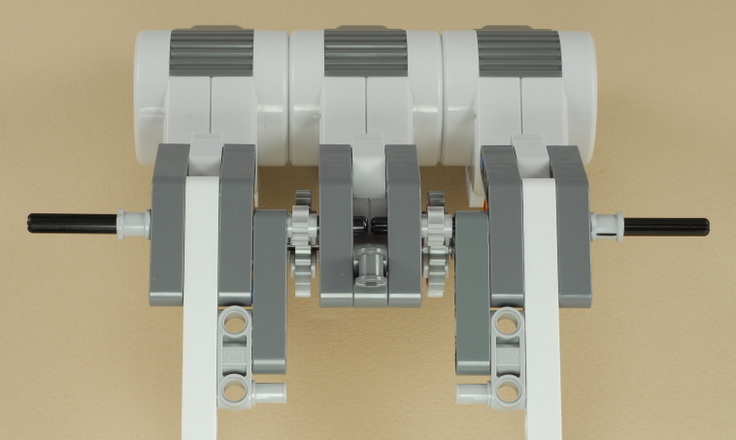
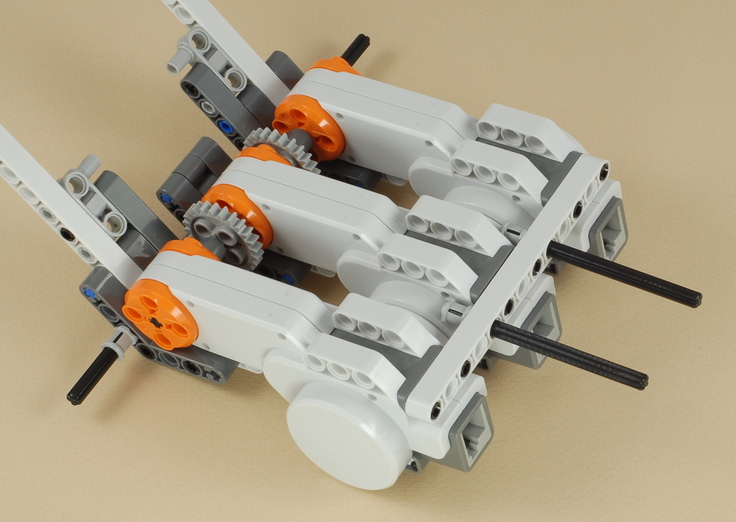
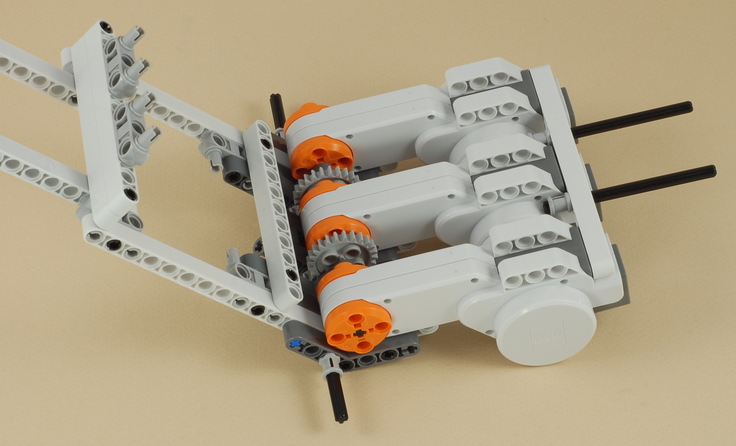
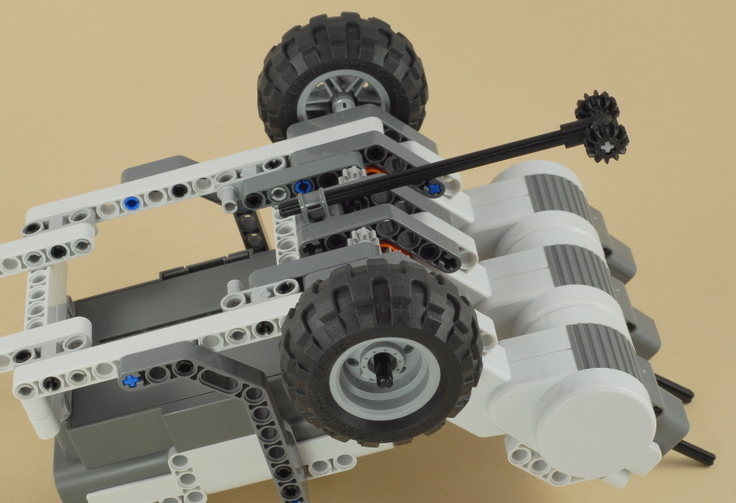
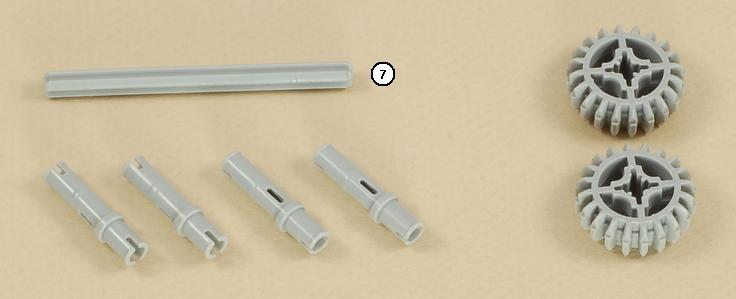
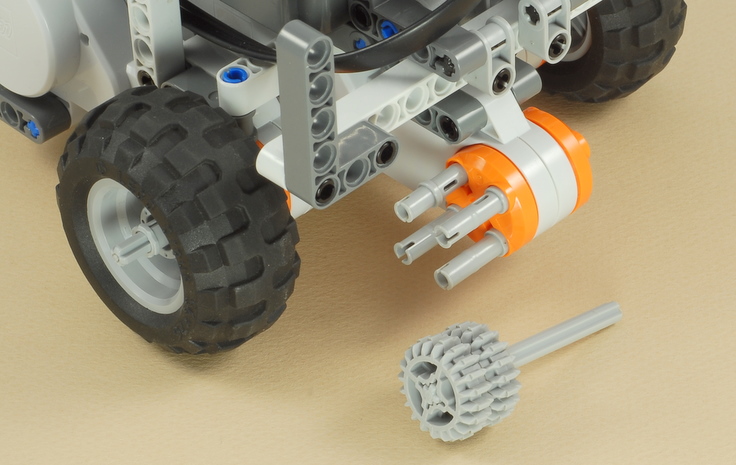
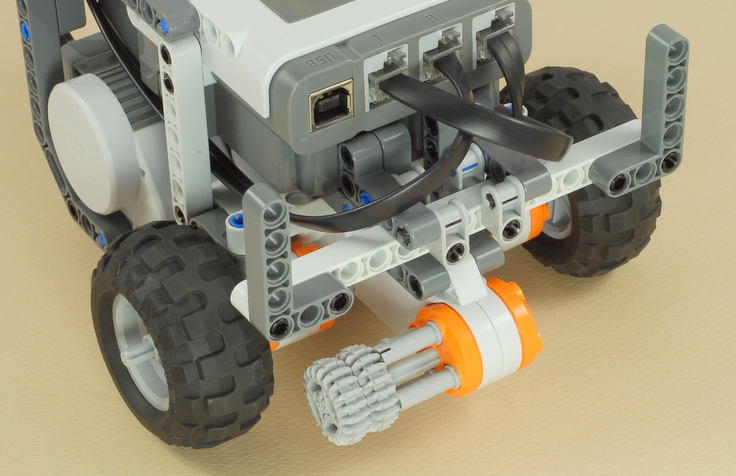
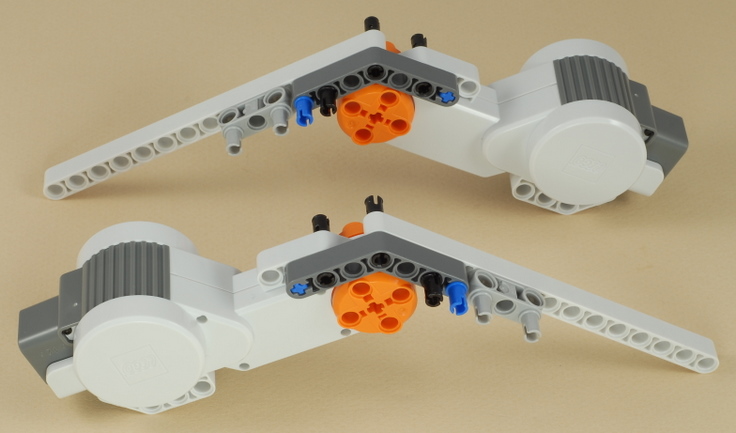
Line up the motors as shown then push them together so that they all line up, turning the motors by the gears a little as necessary to get the cross axles to line up with the cross hole in the center of the middle motor.  The short axles with the larger gears on them should be pushed all the way into the center motor so that they "disappear" inside the motors.  The long axles with the small gears on them will insert into the beam hole of the center motor assembly that is one hole in front of the "elbow" of the angled beam.


Check to make sure that the long axles are centered and pushed all the way towards the center.  The tips should just be visible between the angled beams in the center. The gears and axles are braced by several beams to keep the axles from twisting and bending and the gears from separating and grinding under the high motor torque (twisting force).


7


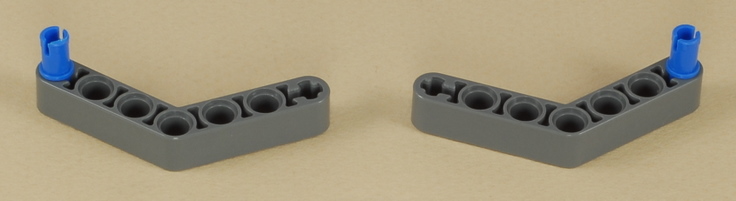
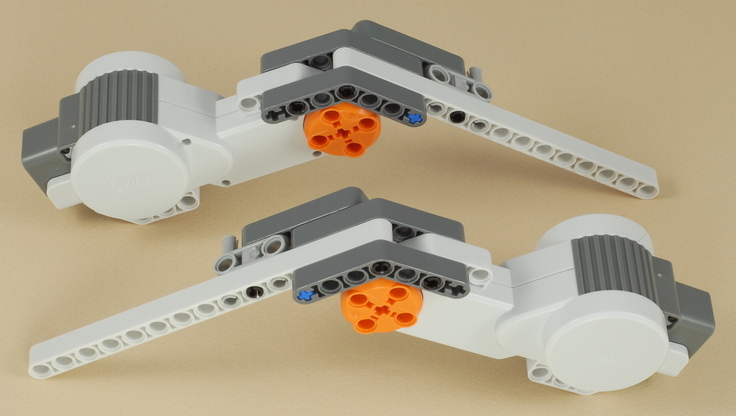
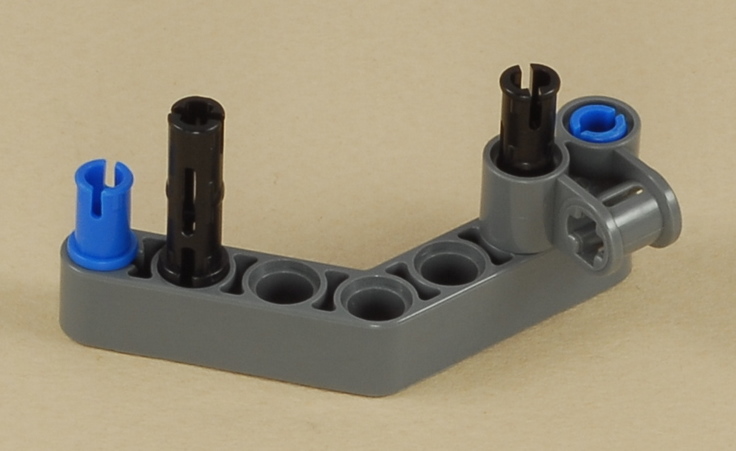
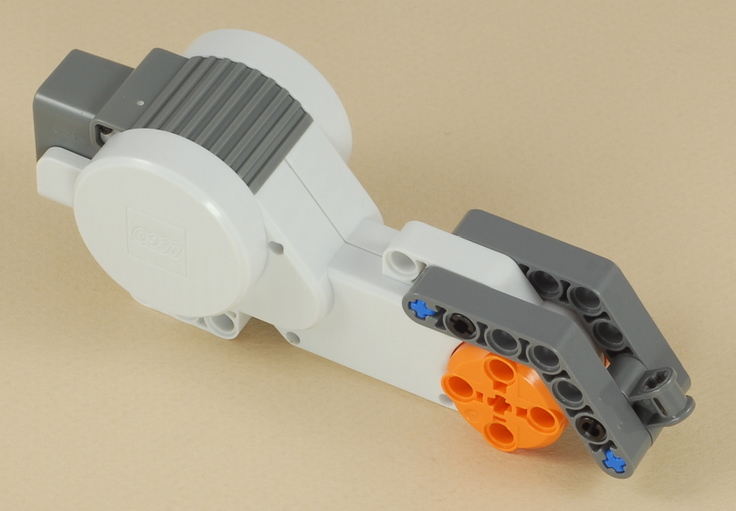
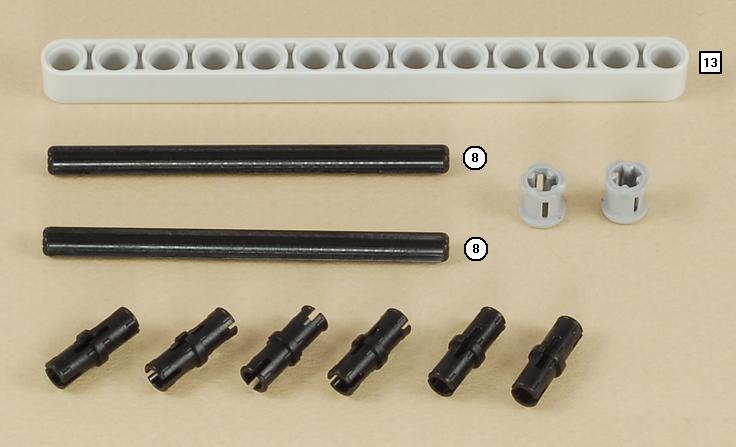
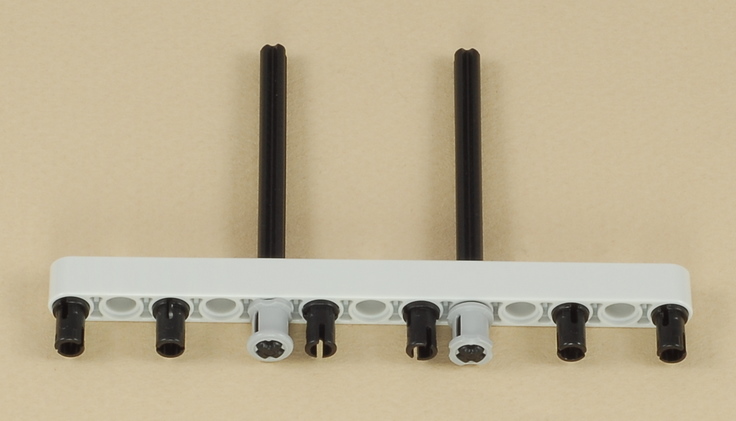
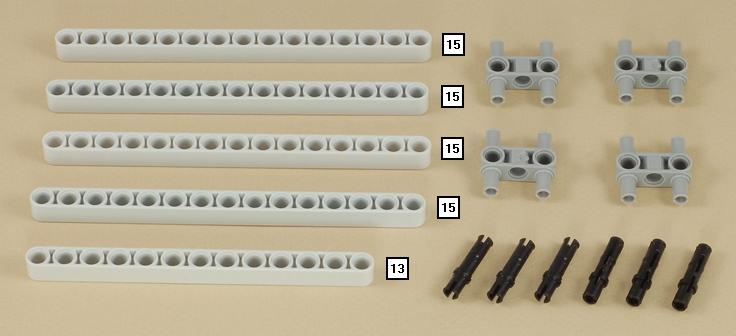
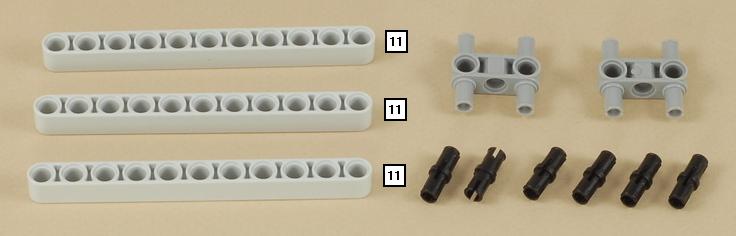
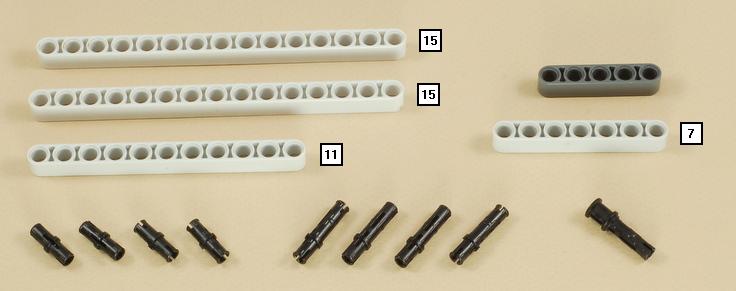
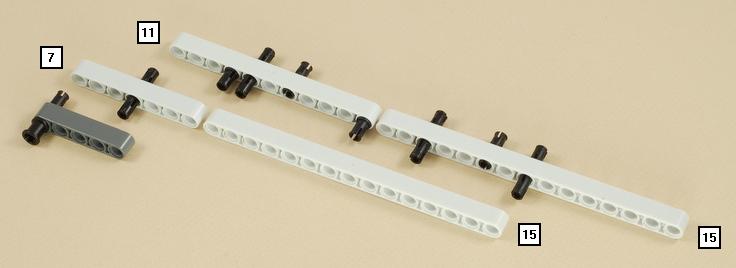
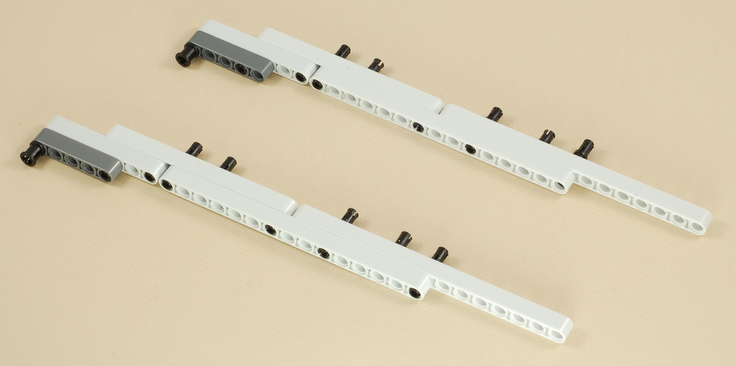
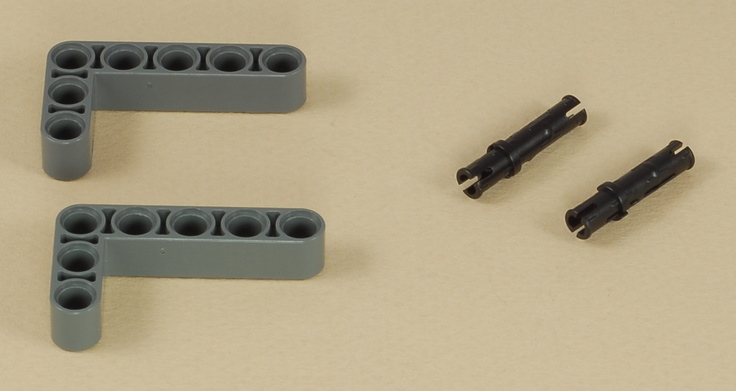
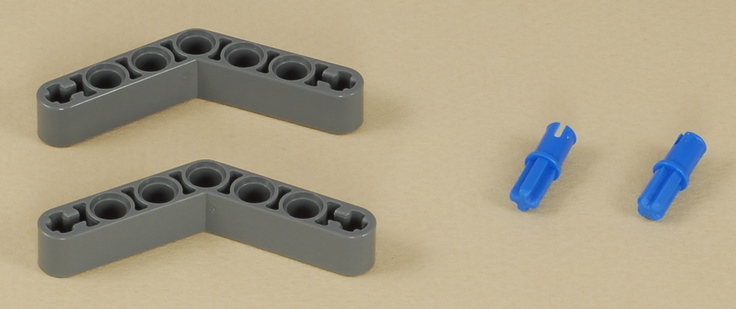
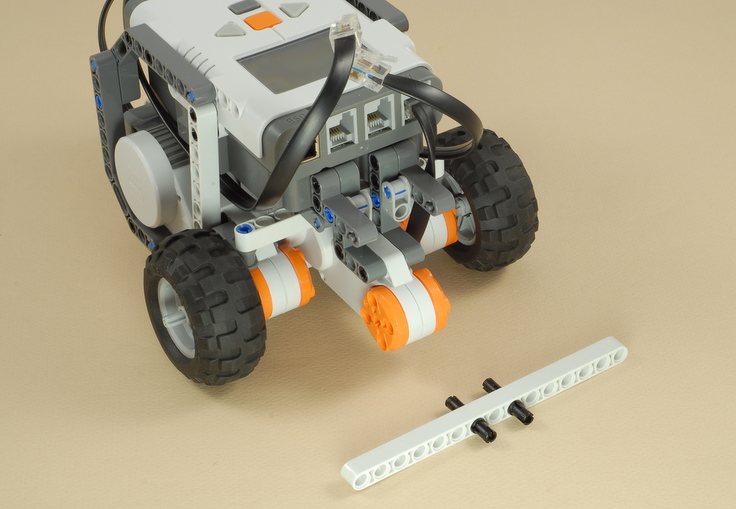
Putting this beam on is tricky, because all six of the pegs must be lined up at the same time.  Hold the beam in place then wiggle the motors slightly to get all the pegs to line up with their holes.  If only some pegs go in, and the beam jams crooked, then pull the whole thing off and start over.  Be patient, and try to use only as much force as necessary.  Pushing too hard will make it worse.If you can't get it to work, you can brace the motors with a series of shorter beams, but try to make it as strong as you can.


8


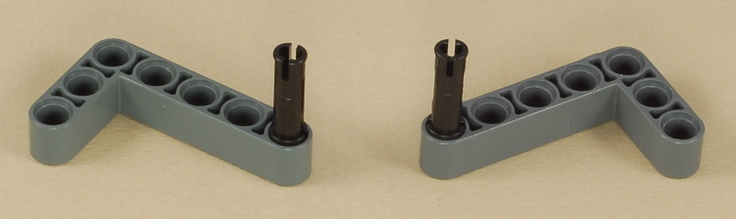
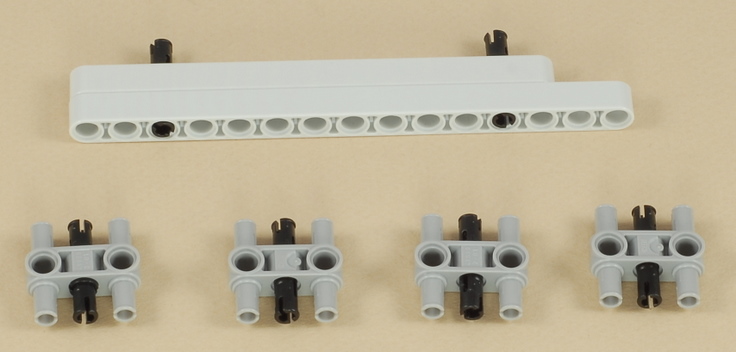
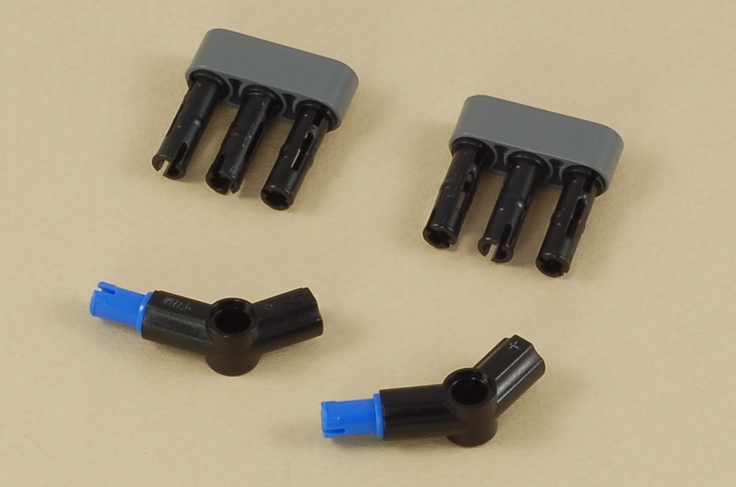
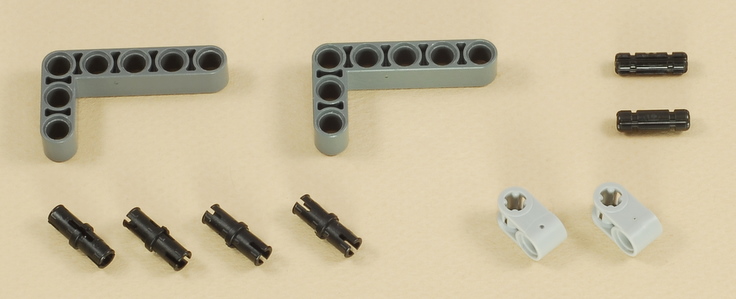
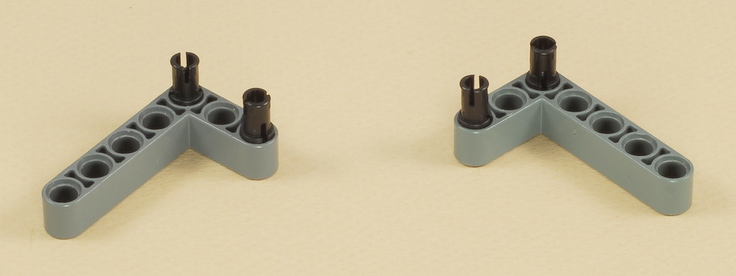
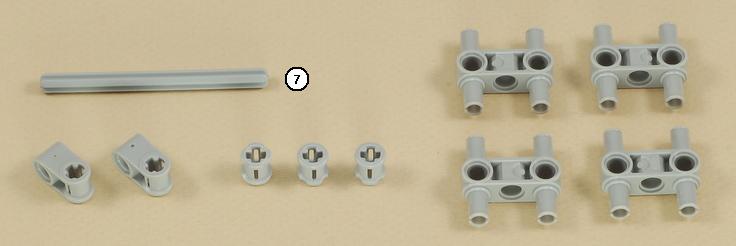
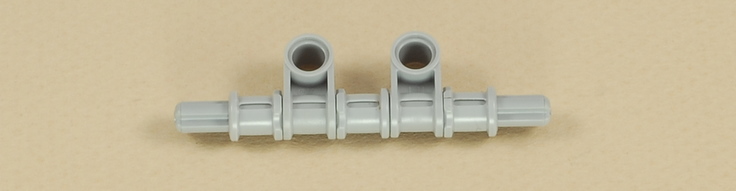
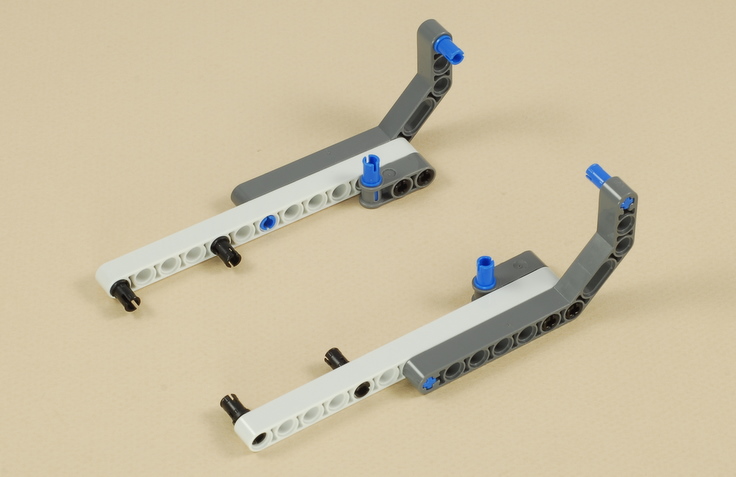
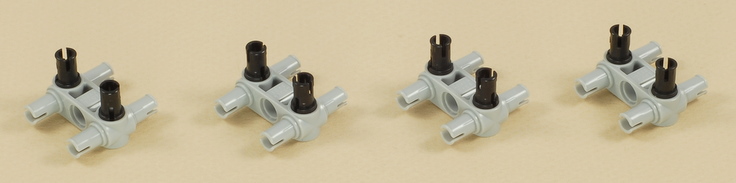
The 4-peg plugs fit a little loosely by themselves, so adding a black triple peg down the middle tightens it up.


9


10


11


12
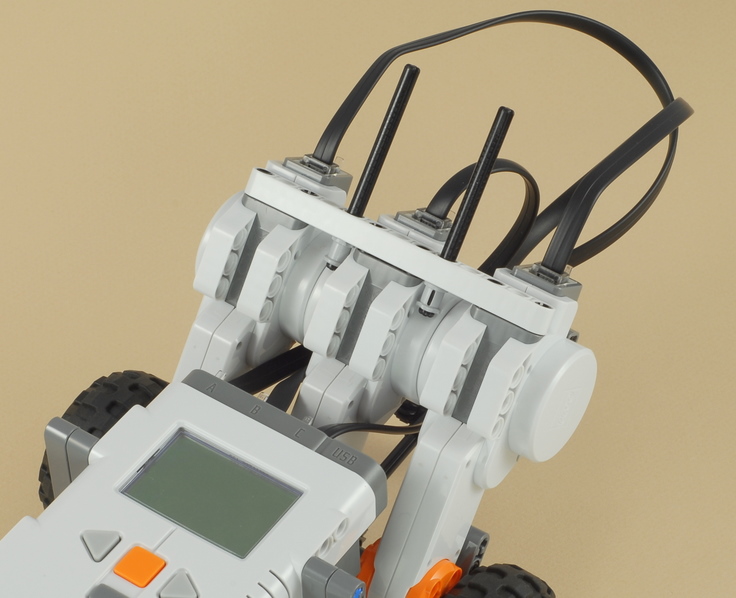
Use three wires to connect the three motors to the A, B, and C ports on the NXT.  It doesn't matter which is which, so arrange the wires however you like.


13


14

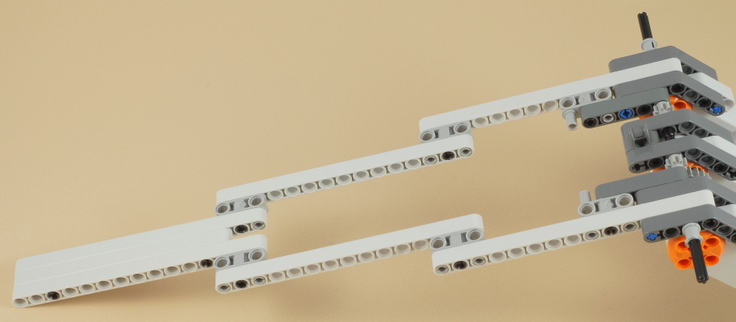
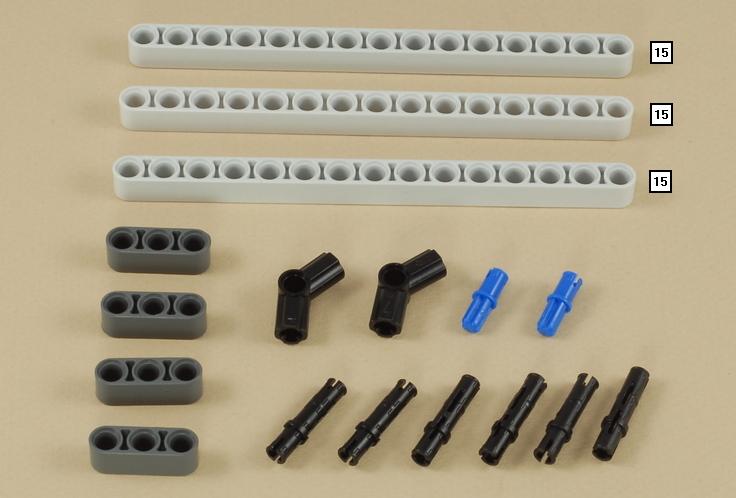
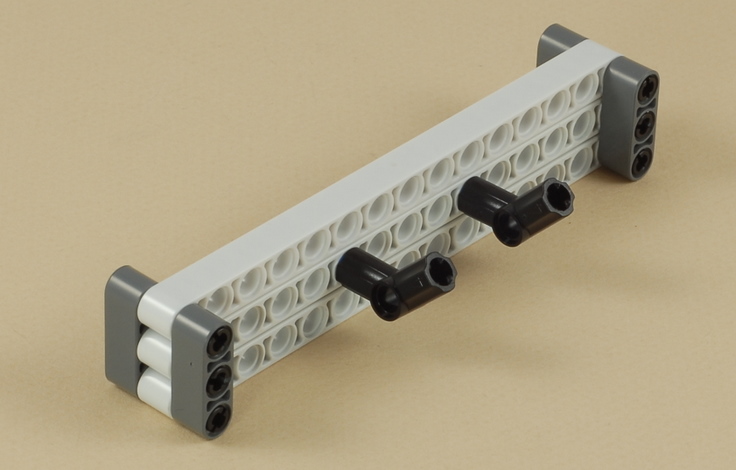
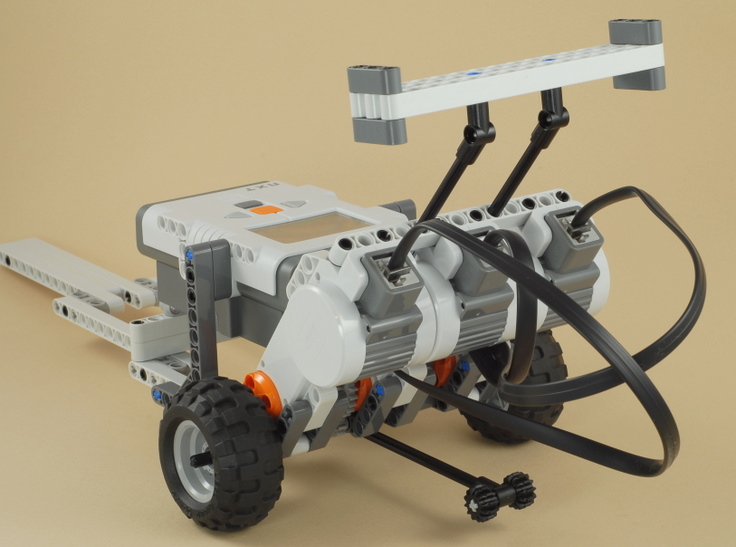
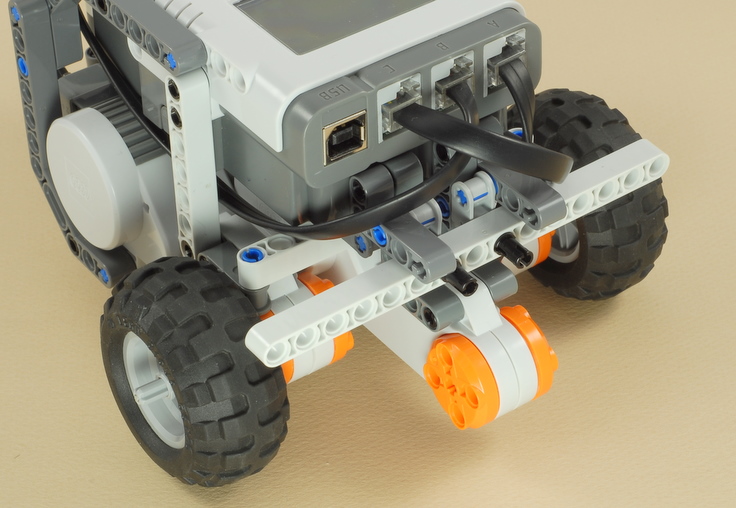
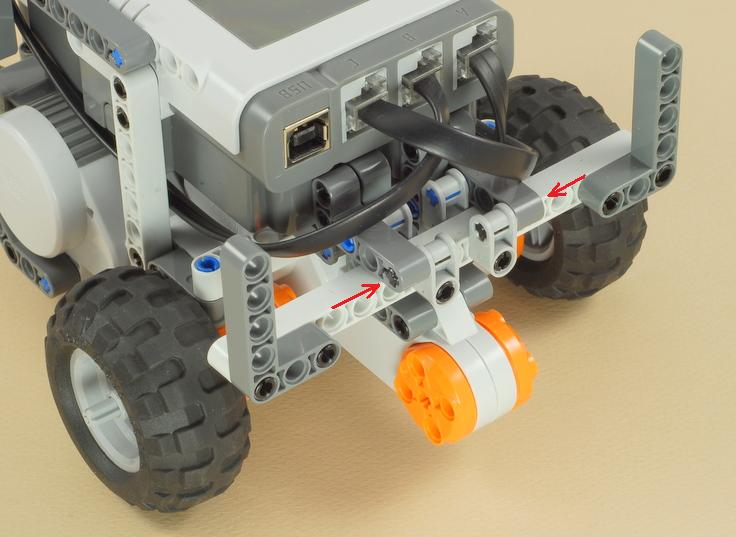
The "front wing" doubles as a soft bumper in case the dragster crashes into something.
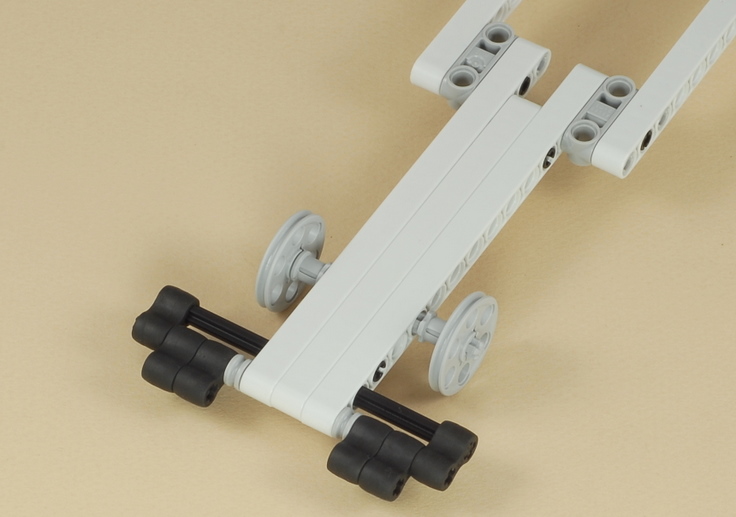

15
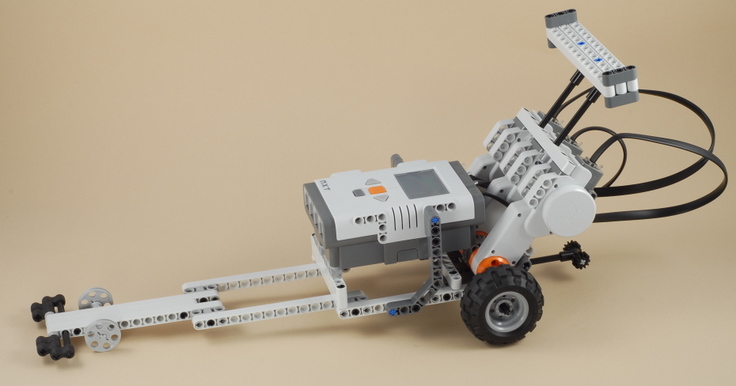
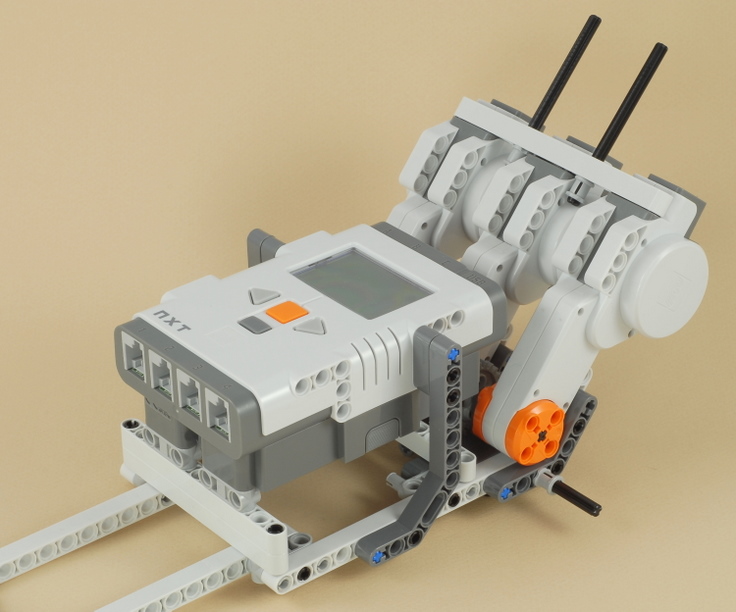
Your dragster is now complete.   Note that if you add any more parts to it as decoration or whatever, it may change the weight balance, which may affect the dragster's ability to pop a wheelie.  The dragster should rest very lightly on its front wheels, so that almost all of the weight is in the back (but not too much to tip it over when standing still).


Dragster Programming
Use the program Dragster for your Dragster. 
After you press the orange button, the program will count down 3...2...1... before going, so that you have time to step back and be where you want to be to watch it.  The program then will power the motors for 3 seconds.
This is a simple program and will be easy to modify.  For example, the NXT programming system comes with some recorded voice sounds for "three", "two", "one", etc., so you could try making the countdown with a voice instead of beeps.  You could also change the amount of time that the motors are on, etc.  Don't try turning, though, because the three motors are all bound together with shared axles and forced to go the same speed, so turning will not work.


Using your Dragster

You can adjust the length of the wheelie bar by sliding its axle back and forth, which will affect how high the wheelie is and how long the dragster holds it.Reasonably fresh batteries are essential for good power.  If your batteries are getting low then you might want to change them.  Save the worn batteries for other projects that don't need as much power.  Also, note that different types of batteries are capable of putting out different amounts of power all at once.  Rechargeable batteries tend to be weaker than normal batteries, for example.

Challenges
  • Try setting up a start and finish line and time your dragster with a stopwatch.  How many feet or seconds do you think it takes for your dragster to reach its top speed?
  • For a laugh, try removing the NXT brick from the dragster and holding it in your hand (use long wires leading to the dragster).  This will remove a lot of weight and make it a lot faster.  You may have to run to keep up with it!
  • This dragster uses all three motors in an attempt to get as much starting power as possible.  However, it's not obvious that three motors is really better than two motors, because adding another motor adds weight, and the batteries can only put out so much power all at once.  As as advanced building challenge, can you modify the design or design your own dragster to use only two motors, then time it as see?

    Sumber :http://www.nxtprograms.com
Sunday, November 17, 2013

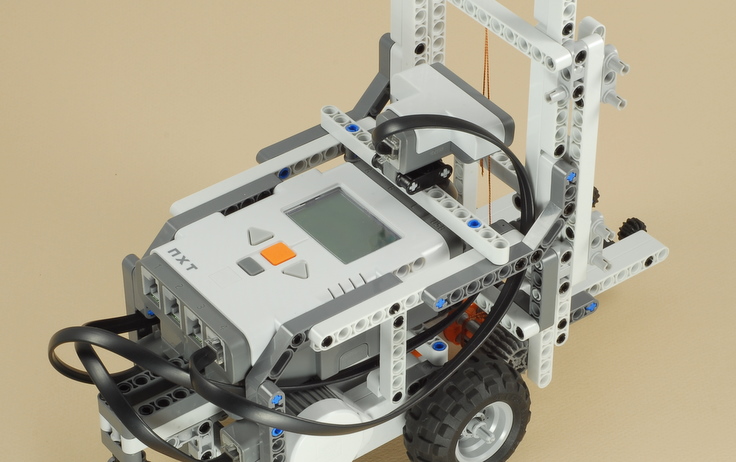
Tutorial for Lego Mindstrom Forklift
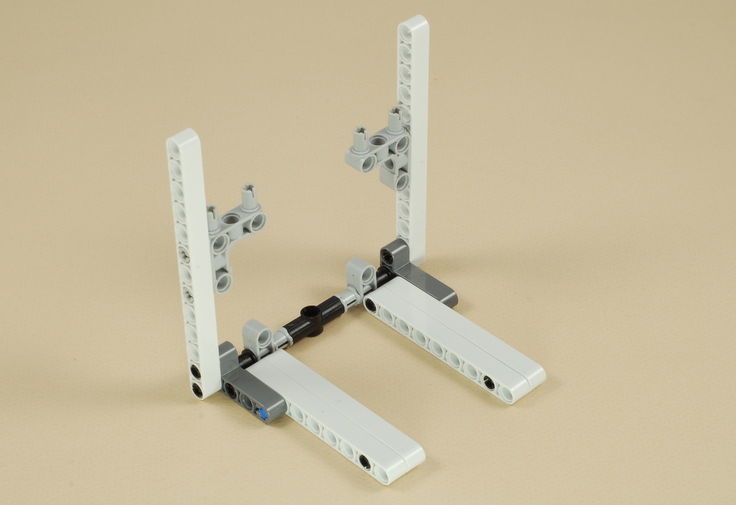
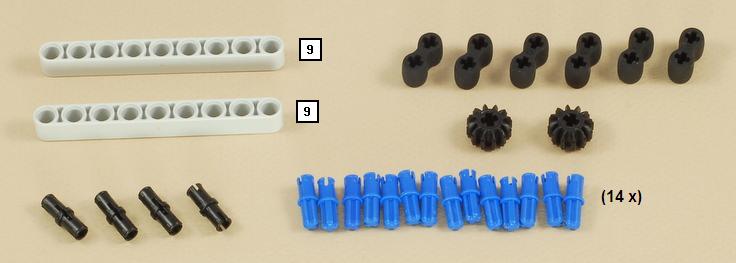
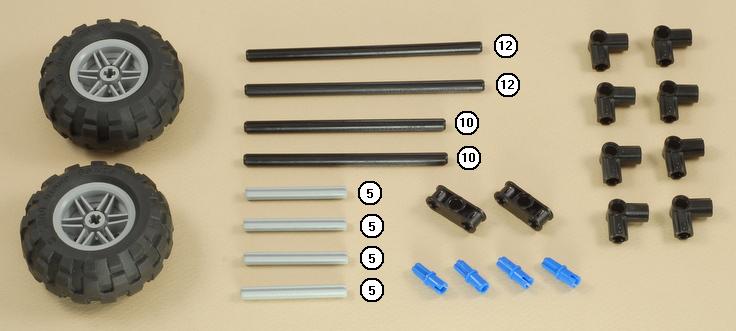
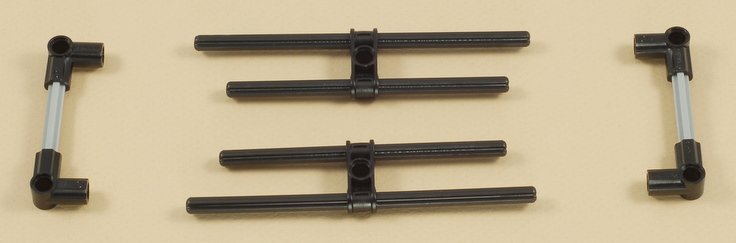
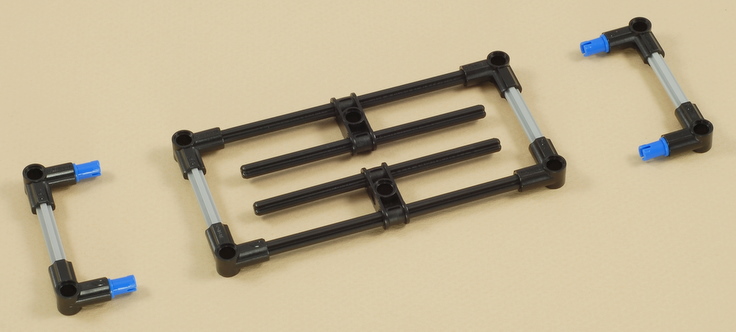
Building Instructions


1-16
Start by building the 3-Motor Chassis.  Click the picture for building instructions.

Building Instructions
 

17


You can temporarily remove the wires from ports B and C to make it easier to attach these parts.
Replace the B and C wires if you removed them.


18


19


20


Repeat this step to build two copies.


21

Align the slits in all of the parts together as shown.  This will ensure that the string loops over the smooth part of the center bushing.


22


23


24


25


26


27
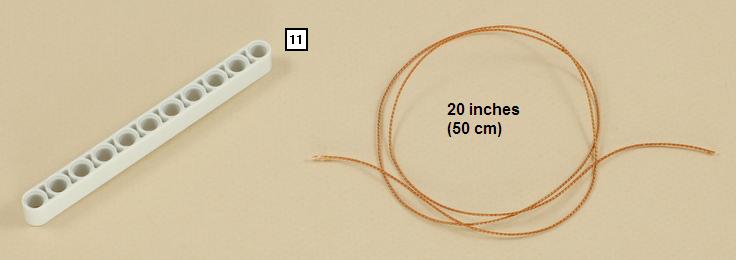
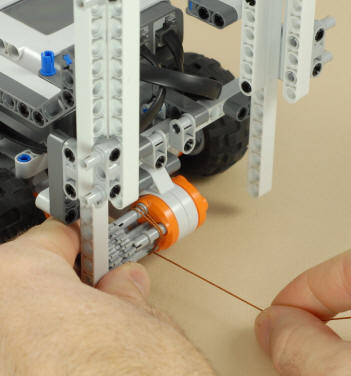
Use about 20 inches (50 cm) of kite string or other thin string.  This is the same length as one of the longest NXT wires including the connectors.

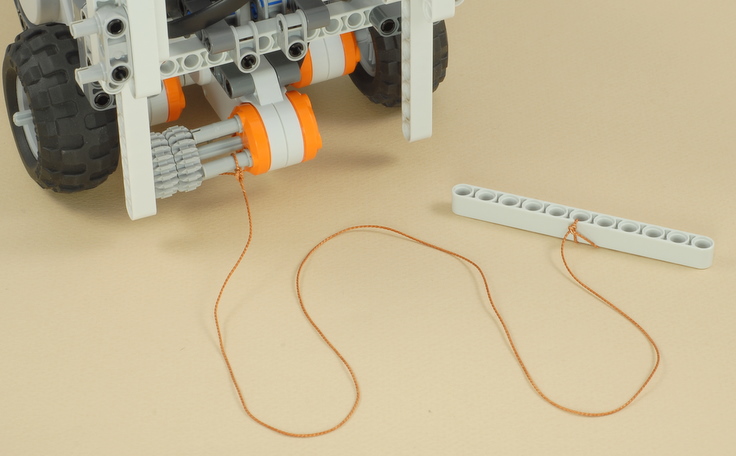
Tie one end of the string to one peg of the motor winder and the other end to the center hole of the beam.

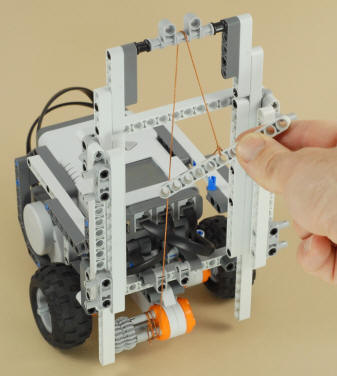
Use the gears on the motor winder to wind a couple of turns of string by hand so that string comes out on the bottom of the winder, then route the end with the beam up and over the top bar, as shown below.

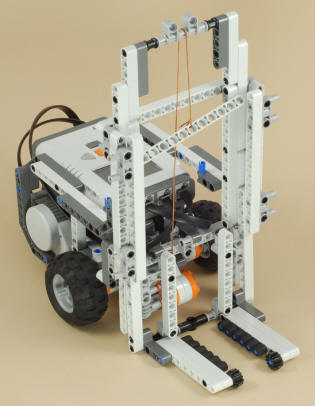
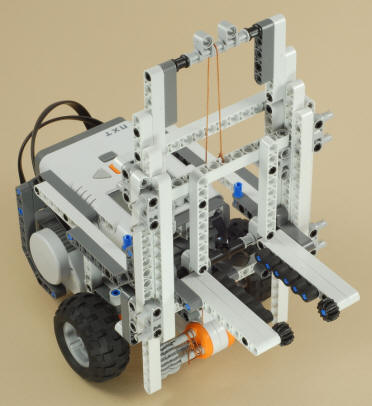
Pick the model up, insert the lift platform into the vertical channels from below, then slide it up and attach it to the beam on the end of the string, as shown below.

28


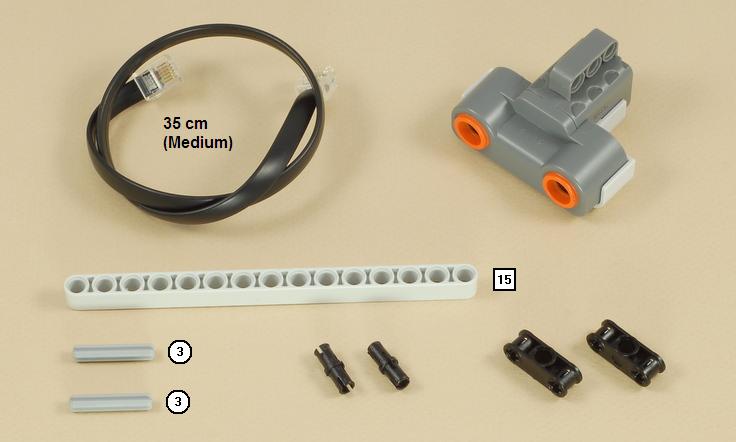
Use a medium-length (35 cm) wire to attach the ultrasonic sensor to port 4 on the NXT, and route the wire out of the way as shown below.


29


30
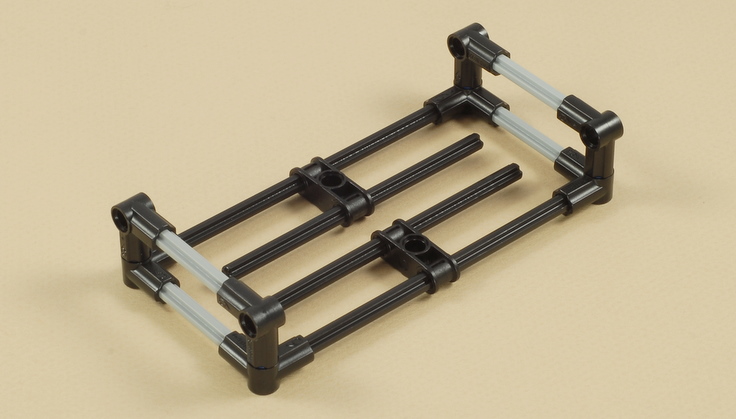
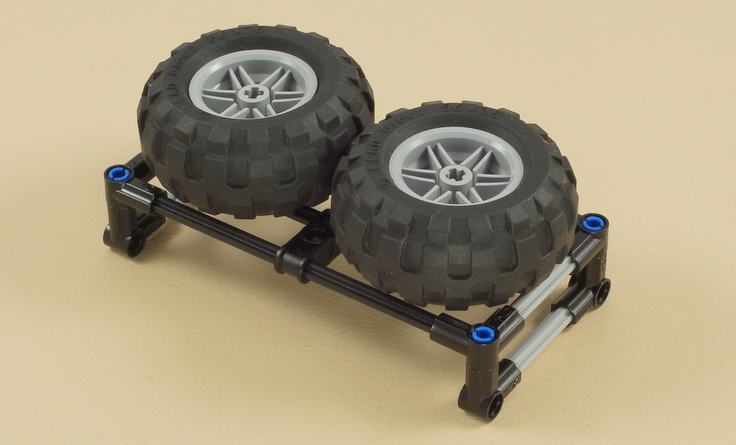
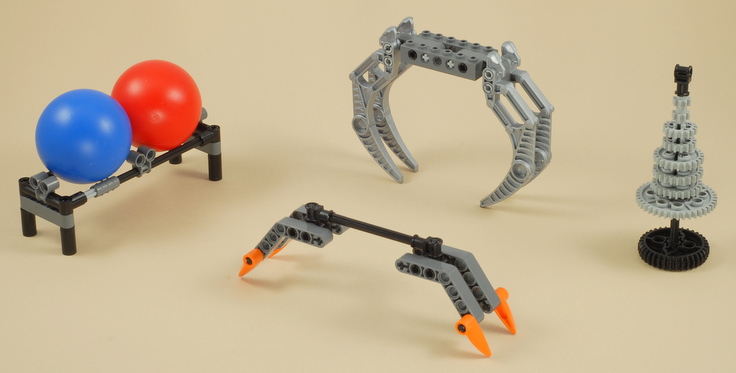
(Optional) Create some other things for the forklift to carry.  Some ideas are shown below.


Forklift Programming
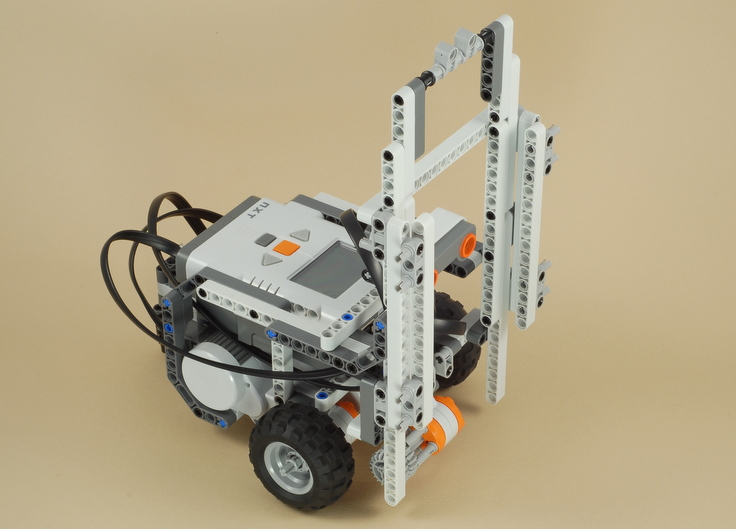
The Forklift_Test program is an example of an autonomous (not remote-controlled) task for the forklift, using a combination of rotation sensors and the ultrasonic sensor.  See the instructions below to set up this task.
The Forklift can also be operated by Bluetooth remote control from either your PC or another NXT.  If you have a working Bluetooth connection between a Microsoft Windows-based computer and your NXT (you can download programs to the NXT by Bluetooth instead of using the USB cable), then you can use this Bluetooth Vehicle Remote program written by Anders Søborg to control the Forklift using the keyboard or mouse on your computer.  See the instructions below to set it up for the Forklift. 
If you have two NXTs, see the Dial Remote Control project to control the Forklift from an NXT-based wireless (Bluetooth) remote control.
 How to Set up for the "Forklift Test" program
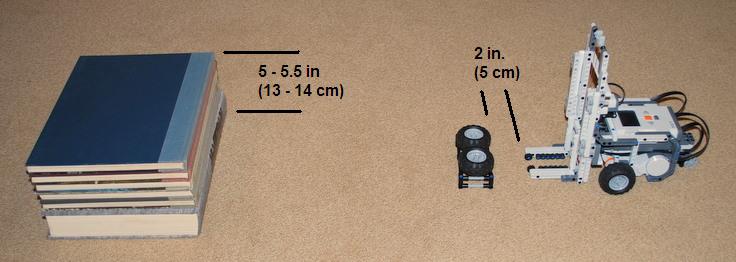
The Forklift_Test program is an autonomous NXT program that can be used without Bluetooth remote control.  It will make the forklift lift the load of tires and place it on top of a platform by itself.  The starting position for this task is as shown below.  
  • Platform height: 5 - 5.5 inches (13 - 14 cm)
  • Distance from Forklift to load of tires: about 2 inches (5 cm)
  • The distance from the load to the platform doesn't matter because the program will use the Ultrasonic sensor to find the platform.
  • Use the gears on the lift winder to manually lower the lift until it just barely touches the ground.
  • It helps if you straighten the castor wheel behind the robot first, so that the Forklift will start straight.


How to Use the PC Bluetooth Vehicle Remote with the Forklift
  1. You need a Microsoft Windows based computer to run the Bluetooth Vehicle Remote program.
  2. You need a working Bluetooth connection between your computer and your NXT.  Your connection works if you can download programs from your computer to your NXT by Bluetooth instead of a USB cable.  If you have never tried this before, see your Mindstorms User Guide for instructions.  Bluetooth can be tricky to get set up, and some computers are not capable of doing it.   Sorry, I cannot help you with this part.
  3. If you have more than one NXT, make sure that the one you are using for the Forklift was the last one to connect the LEGO Mindstorms software by Bluetooth.  You can do this by downloading a program (any program) to your NXT by Bluetooth.
  4. Exit the LEGO Mindstorms software.  The Bluetooth Vehicle Remote will not be able to connect to the NXT if the LEGO Mindstorms software is still connected to it.
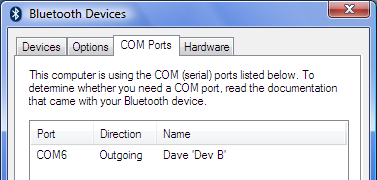
  1. Find out what "Comport" is being used for your PC to NXT link.  You can do this by going to the Control Panel on your computer, running the Bluetooth control panel application, and looking for information on the connection there.  For example, the Bluetooth Control Panel on my computer, shown in the picture to the right, shows under the COM Ports tab that my NXT device named "Dave" is using Comport 6 ("COM6").
  1. Turn your NXT on.  You don't need any program running on the NXT for the remote control to work.
  2. Run the Bluetooth Vehicle Remote program (nxt-remote.exe) available here.  This program runs on your PC, not on the NXT.
  3. Set the Comport dropdown to the port determined in step 5 above.
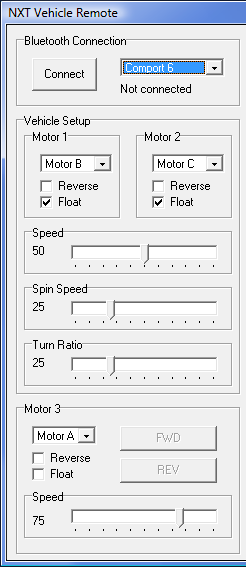
  4. Set the controls as shown in the picture to the right as a starting point:
    • Motor 1 = Motor B, Float
    • Motor 2 = Motor C, Float
    • Speed = 50
    • Spin Speed = 25
    • Turn Ratio = 25
    • Motor 3 = Motor A, no Float
    • Motor 3 Speed = 75
  5. Press the Connect button to establish a Bluetooth connection to your NXT.  If this works, it will display "Connected".
  6. Use the Drive buttons or Keyboard controls to control the Forklift.
  7. Experiment with different speeds and settings to see what you like best.

How to Use Bluetooth Remote Control from another NXT
If you have two NXTs, see the Dial Remote Control project to see how you can build a remote control with your other NXT that can use to control the Forklift.

Challenges
  • Try modifying the Forklift_Test program do to some different tasks.
  • Practice driving the Forklift with the Bluetooth remote control.  Can you stack things up on a shelf with 3 different levels and take them back down again?
  • If you have some other LEGOs, try making some blocks and other parts that can be lifted by the Forklift.  Can you build a tower of parts that stack on top of each other, and whenever you lift one it lifts all of the ones on top of it too?
  • This Forklift design uses almost all of the beams and pegs in the NXT kit, but if you have some extra parts, can you make it lift even higher? 
  • If you lift heavy items up high, the Forklift may fall over.  What could you do to prevent this?  What do real forklifts do?

    Source : http://www.nxtprograms.com/forklift/steps.html